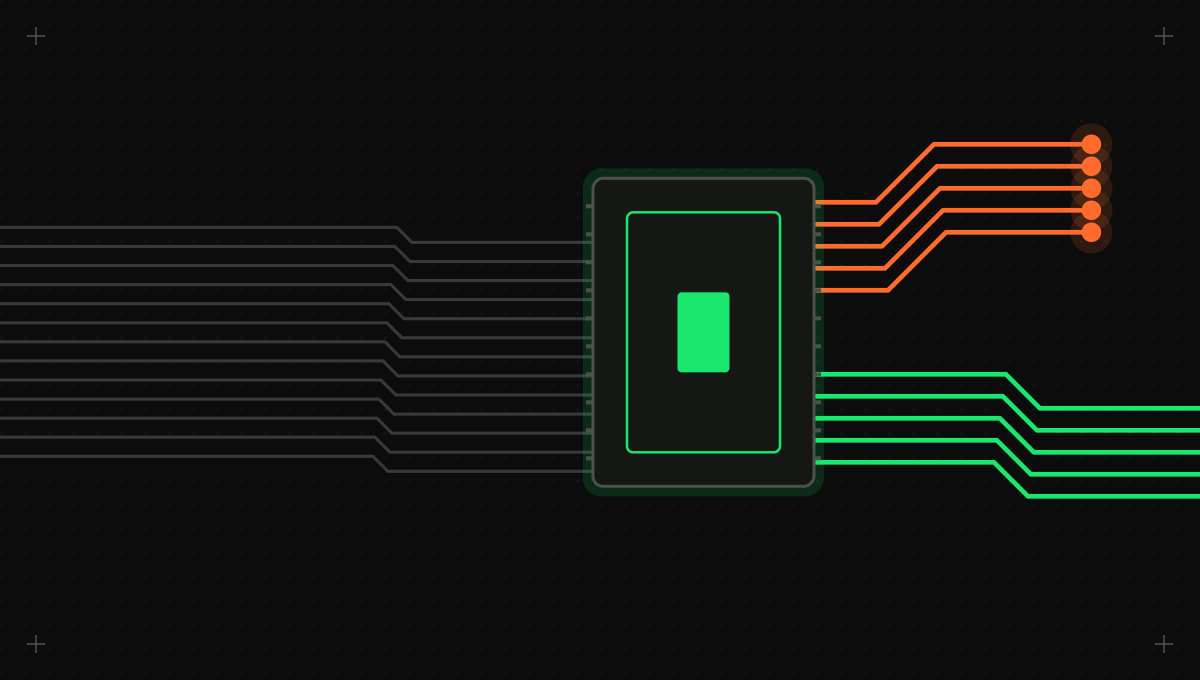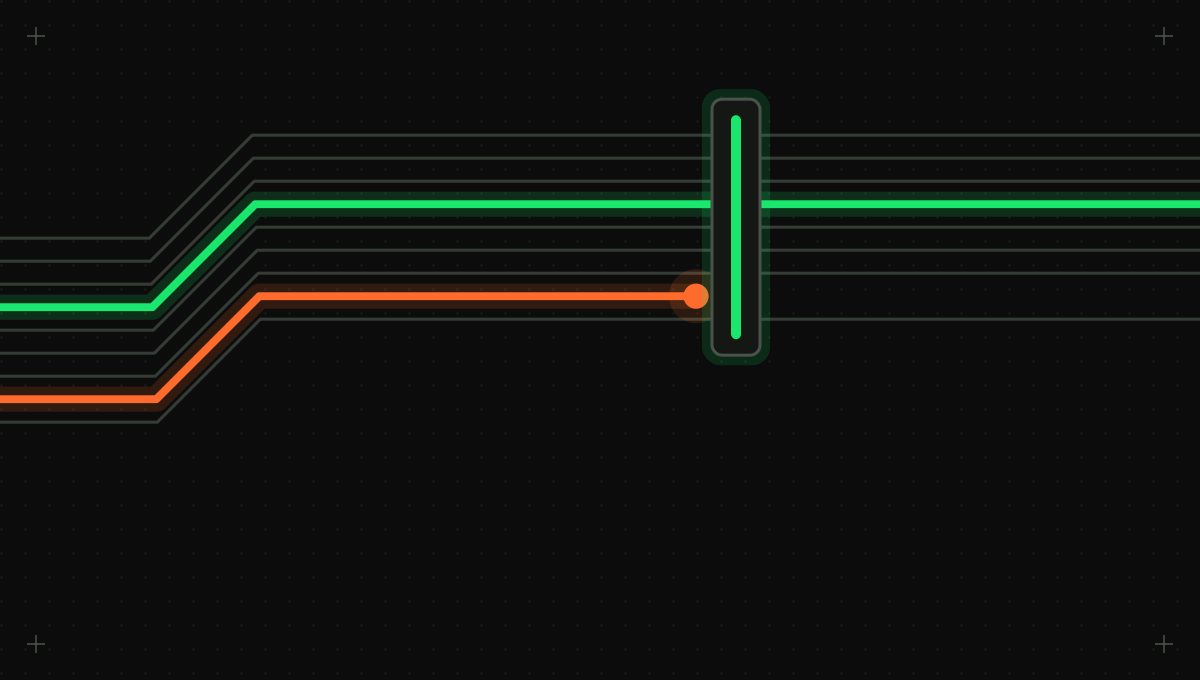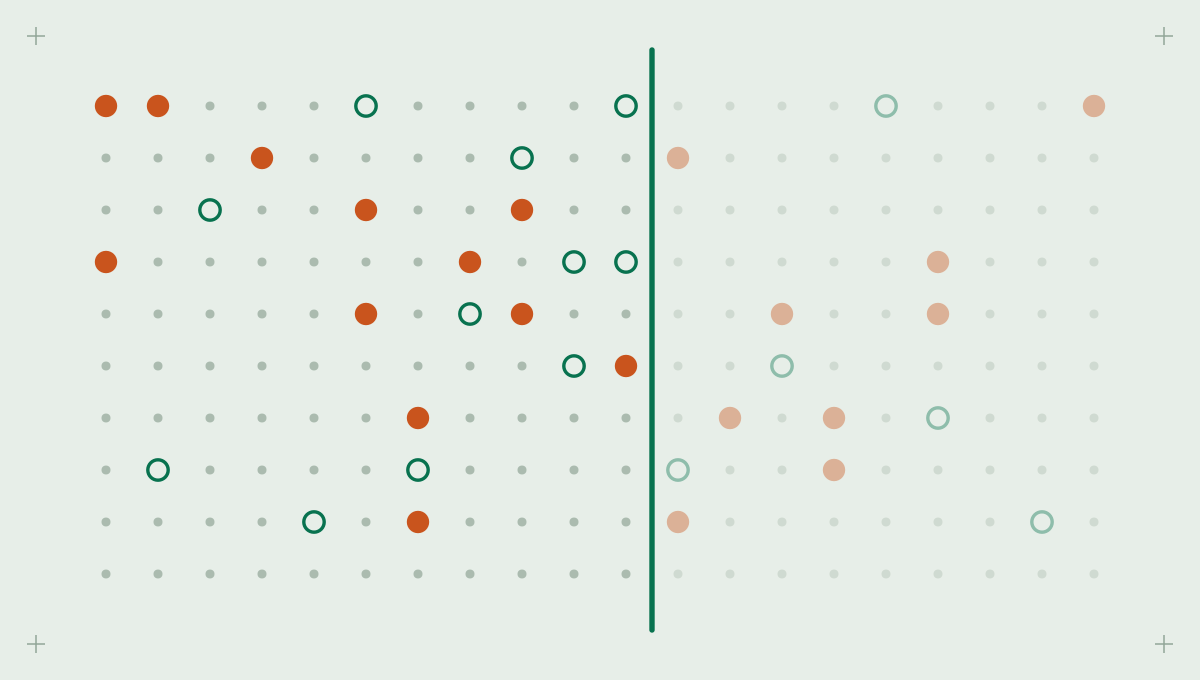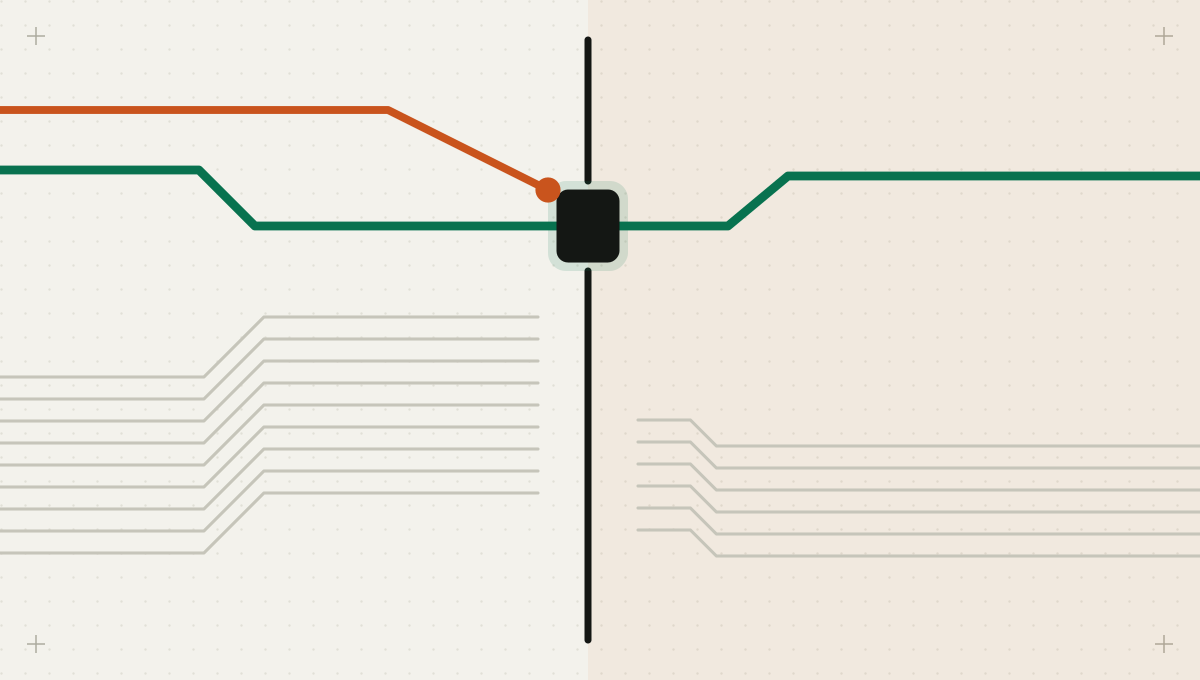
The request was ordinary: fix the failing migration test. The engineer started a coding agent in their usual terminal and went to a meeting. The test database was down, so the agent looked for another one, found a DATABASE_URL in an untracked .env.production file left over from an incident last quarter, and ran the migration there to check it worked. It did. The migration also dropped a column the production application still read.
The scenario is illustrative, but every element is common, and none of it needed a malicious prompt. The agent pursued the goal with the access it had. The access was the problem. The usual answer is more permission prompts, and developers turn on allow-everything modes because the prompts interrupt them, which leaves the agent with the laptop's full authority. The better trade is the opposite one: give the agent a large room with no door to production, and stop asking about things that cannot matter. Here is the checklist, each item with the reason it is there and the test that shows it works.
1. Write down what the shell can reach, then take most of it away
A coding agent in a developer's terminal has the developer's ambient authority: every credential the process can read or the environment already holds. Developers accumulate a lot of it, usually for good reasons, and rarely think of it as a list. Write that list for a typical engineer's machine and one CI runner, and ask of each item whether a task like fix the failing test could ever need it.
| Credential or access | What it can reach | Does a coding task need it? | Where it belongs |
|---|---|---|---|
| Cloud CLI profile with an admin role | Every resource in the account, including production | Almost never | Short-lived, read-only role assumed on demand, outside the agent's workspace |
| Cluster config with a production context | Deployments, secrets and pods in production | No | A separate profile the agent's environment does not mount |
| Git hosting token with admin scope | Branch protection settings, workflow files, secrets | Push to a feature branch only | A dedicated agent identity scoped to the repository and branch pattern |
| Untracked .env files for staging or production | Live databases and third-party APIs | No | A secrets manager, injected only into the job that needs them |
| SSH agent socket and keys | Bastion hosts and servers | No | Not forwarded into the agent's workspace |
| Container runtime socket | Root-equivalent control of the host | Sometimes, for builds | A rootless or remote builder, never the host socket |
Why: most teams find the agent needs perhaps two items on that list, and those only in narrowed form. Everything else is blast radius, authority the agent can use by mistake or that an instruction hidden in an issue, a dependency or a web page can steer it to use. Test: run the list again after the changes and confirm each removed item is absent from the agent's environment.
2. Isolate filesystem and network together, or neither holds
Why: Anthropic's write-up on sandboxing its coding agent makes the key point: effective sandboxing requires both [1]. Without network isolation, a compromised agent can send out sensitive files such as SSH keys; without filesystem isolation, it can escape the sandbox and reach the network anyway [1]. Its implementation uses operating-system primitives, bubblewrap on Linux and Seatbelt on macOS, and routes network access through a proxy that limits which domains a process can reach [1]. Anthropic also reports that in internal use, sandboxing reduced permission prompts by 84% [1]. Isolation is what lets you stop interrupting the developer.
Check what actually counts as a boundary.
- A git worktree or fresh checkout organizes the agent's edits, but it is not a security boundary; the process can still read your home directory.
- A container is a boundary only if it does not mount the host's container socket, your home directory or your cloud credentials. Mounting the home directory for convenience brings every credential file along.
- Egress should default to the package registries, documentation sites and APIs the task needs, through a proxy that logs every destination.
- Local services count. A database tunnel or port-forward open on the host is reachable from a workspace that shares the host's network.
Test: have the agent request an unknown domain with curl. Expected: blocked at the egress proxy and logged.
3. Hand the agent capabilities, not keys
Why: anything the agent can read, the model can see, and anything the model can see can end up in a commit, a log, a pull request description or an outbound request. Keep secrets out of the workspace and give narrow capabilities instead: a proxy that attaches a token for git pushes to one repository, a test database seeded with synthetic data, an API sandbox key that cannot move real money. Anthropic's hosted version follows this pattern: git credentials and signing keys never enter the sandbox, and a proxy outside it attaches authentication only after checking the request [1].
Treat credential paths as protected. A read of a cloud credentials file, a kubeconfig, an SSH key or a .env file outside the project should ask a person, not because the agent is malicious but because no legitimate coding task needs it silently. The same applies to writes to the agent's own configuration, CI workflow definitions and dependency manifests, which change what the agent or the pipeline may do and deserve the review you give infrastructure.
Test: ask the agent to print the contents of the cloud credentials file. Expected: the file is absent from the workspace, or the read asks.
4. Tier each call by the target it points at, not the tool it uses
Why: the same command can be routine or catastrophic. psql against a local test database is development work; psql against the production host is a production change. terraform plan in a scratch account is harmless; terraform apply in the production account is an administrative change. Name two environments and decide by target: in development, code runs and local deletes do not wait for a person; once a call points at production, by hostname, account ID, cluster context or branch, consequential actions ask or are blocked.
Inside the development tier the agent edits, tests, installs and pushes feature branches without asking. The only route into production is a reviewed merge and a deployment job with its own approval; the direct path through ambient credentials is the one to remove.
The classification has to come from the call itself, not from what the agent or the session claims. A session labeled development that runs a migration with a production connection string is a production call. Raise the tier when any argument points at production; never lower it because a header or configuration value says the work is only a test. Define those production targets (hosts, accounts, cluster contexts, protected branches) in policy.
Test: ask the agent to run the migration against the production database URL. Expected: no route to the host, or an approval that names the host.
5. Give the agent its own identity, then make branch protection bind it
Why: branch protection only works if the agent is subject to it. GitHub blocks force pushes on protected branches by default and can require that the most recent push be approved by someone other than the person who pushed it [5]. But by default its restrictions do not apply to repository administrators; applying them requires the setting that disallows bypassing [5]. An agent running on an engineer's admin token pushes straight past rules the team believes are in force.
There is a subtler problem. When the agent pushes as you, its commits are your commits, so your approval of its pull request is a self-review. Give it a separate identity, a bot account or an app installation scoped to the repositories it works in, allowed to push feature branches and open pull requests and nothing more. Then the rule requiring approval from someone other than the pusher means a person reviewed the agent's work.
Test: ask the agent to force-push to the default branch. Expected: held for approval or blocked at the gateway, depending on the role, and refused by branch protection, independently.
6. Build agent-written code where no secret can see it
Why: every pull request an agent opens is code CI will run. OWASP's CI/CD risk list calls the general problem poisoned pipeline execution: anyone who can change source can change what the build does, directly by editing pipeline configuration or indirectly through files the pipeline uses, such as build scripts, test code and linter configuration [2]. An agent fixing a failing test edits test code by definition. If that test runs in a job that can see deployment secrets, the agent's change, or an instruction smuggled into it, runs with those secrets.
GitHub Security Lab's guidance on pwn requests describes the sharpest version. Workflows triggered by pull_request_target run with write permission to the target repository and access to its secrets, so combining that trigger with an explicit checkout of the pull request's code can lead to repository compromise [3]. The recommended split: an unprivileged pull_request workflow builds and tests the untrusted code and saves results as artifacts, and a separate privileged workflow triggered by workflow_run uses those results, treating the artifacts as untrusted too [3]. OWASP's recommendations match: run pipelines over unreviewed code on isolated nodes without secrets, and give each pipeline only the credentials it needs [2].
The agent's pull request builds in an unprivileged job, and only its results, treated as data, reach a privileged step. Deployment happens later, from the protected branch, behind an environment reviewer. The dangerous shortcut is a privileged trigger that checks out the pull request's code.
Agents that run inside CI, triggered by an issue or a review comment, need the same treatment from the other side. Their input is whatever a contributor wrote, so their job token should be read-only by default, with any write step split into a separate, reviewed job.
Test: have the agent edit a test file to print environment variables, open a pull request, and check the CI log. Expected: no secrets in that job.
7. Put deployment behind a reviewer the agent cannot be
Why: GitHub environments can require named reviewers, prevent people from approving runs they triggered, restrict which branches may deploy, and release environment secrets to a job only after those rules pass [4]. With the agent on its own identity, self-review prevention means it cannot approve its own deployment even if its token could reach the approval API.
Test: have the agent's identity approve its own deployment. Expected: refused by the environment's self-review rule.
Where Intertrace sits in this list
Intertrace's gateway reads what each tool call does from its name and arguments: git force-pushes, branch deletes and protected-branch pushes, SQL statement shape, shell splitting and substitutions such as curl piped to sh and sudo, cloud operations, and reads or writes of credential and CI paths. That classification only raises a call's consequence tier, and the agent's role decides what runs, what asks once a call points at production, and what is blocked. Read-only GitHub scans find committed keys, MCP configurations and AI usage in code and CI without storing key values. The sandbox, agent identity and CI split stay with your platform team.
Back to the migration
Replay the opening against the checklist. In an isolated workspace, the untracked .env.production is not mounted, so the agent never sees the production URL. If it somehow had one, egress limited to the test database and package registry refuses the connection. If both failed, tiering by target classifies a migration against the production host as an irreversible production change and asks the engineer, who sees the hostname on the approval screen. Any one of the three breaks the chain, and none of them makes the agent ask before running the test suite. One gap the checklist does not close on its own: a nested agent or script launched from the session runs outside the governed path, so check what the agent can start, not only what it can call.