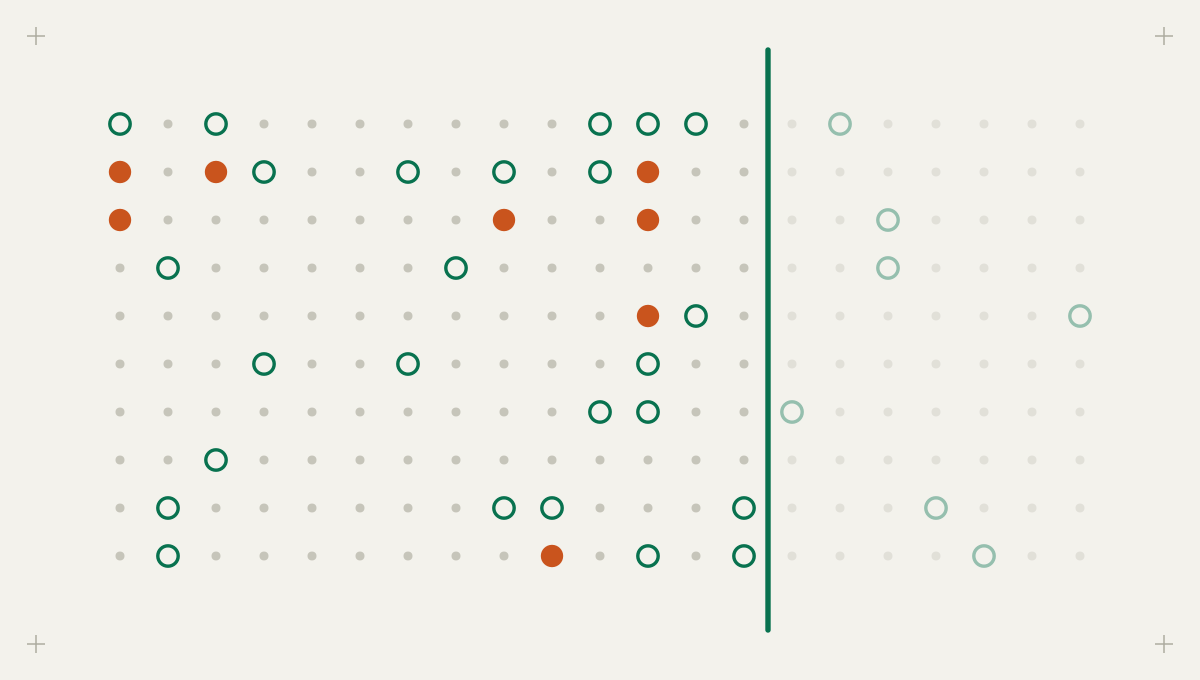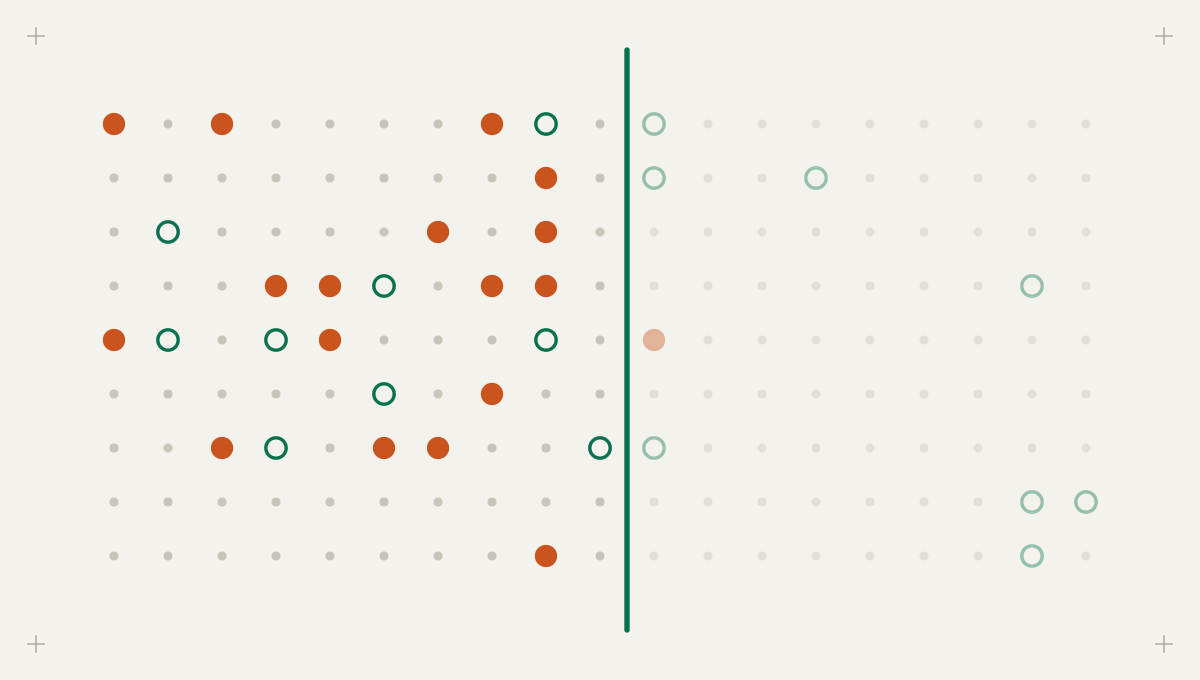
The memo is short. Effective immediately, staff may not use public AI tools for company work. The two best-known chat sites are blocked at the web proxy, and the security team reports the risk as addressed. Six months later, a client asks whether their documents were ever processed by an AI service, and nobody can say no with confidence.
Shadow AI means AI tools and agents used for company work without the organization's approval or knowledge. It is rarely malicious. People use these tools because they save time, and they will keep using them. The real question is whether you can see where company data goes when they do. Most shadow AI policies are built on five beliefs that do not survive contact with the data.
Myth: a ban stops the use
Reality: a ban stops people from telling you. Microsoft's 2024 Work Trend Index, a survey of 31,000 people in 31 countries, found that 75% of knowledge workers used generative AI at work, that 78% of AI users brought their own AI tools, and that 52% of people using AI at work were reluctant to admit using it for their most important tasks [2]. When that many people rely on a tool and some already hide it, a ban adds a reason to hide and removes very little of the use.
It also costs you your best sensor. Once use is forbidden, nobody asks security which tool is safe for client data, and nobody reports the near miss after pasting something they should not have.
Myth: shadow AI is someone pasting into a chat tab
Reality: the chat tab is now the least persistent form. The newer forms hold standing access to company systems and keep working when nobody is watching, and one of them arrives inside software you already approved.
| Form | Typical example | What leaves the company | Standing access? | Where it shows up |
|---|---|---|---|---|
| Chat in a browser | An employee pastes a contract into a consumer chatbot to summarize it | Whatever was pasted, once | No | Web proxy and DNS logs, browser extension inventory |
| Connected app | A meeting note-taker or writing assistant granted access to mail, calendar or files | A continuous feed of mail, meetings and documents | Yes, through an access grant that persists until revoked | App consent records in the identity provider |
| Unattended agent or API key | A script, automation flow or CI job that calls a model with a personal API key | Code, tickets, customer records, whatever the job reads | Yes, through keys and tokens stored in code or automation tools | Code repositories, CI configuration, AI provider consoles, expense reports |
| AI feature in approved software | An assistant switched on inside a CRM, helpdesk or document tool the company already licenses | Records already held by that vendor, now also processed by the vendor's model provider | Yes, inherited from the existing integration | Vendor admin settings, release notes and sub-processor lists |
A connected note-taker that a hundred employees authorized reads every meeting they attend. An automation a developer wired to a model with a personal key sends data to a provider under that person's consumer terms, from infrastructure the company owns. The fourth form is the quietest: an administrator switches on an AI feature in a licensed tool, and existing data is now processed somewhere new without any purchase or sign-up. That one belongs in vendor review, not on a block list.
Myth: the risk is theoretical until something leaks
Reality: the breach data already prices it. IBM's 2026 report found shadow AI incidents averaged USD 5.39 million, up from USD 4.63 million the year before. Of those, 49% involved data loss or compromise, 42% disrupted operations, and in about one in five the organization reported paying a regulatory fine. Across all breached organizations, 68% had no governance to manage AI or detect unapproved use [1]. In the 2025 edition, among organizations that had an AI governance policy, only 34% performed regular audits for unsanctioned AI [3]. A policy nobody checks against reality is where shadow AI grows.
Myth: the proxy logs will show you what is in use
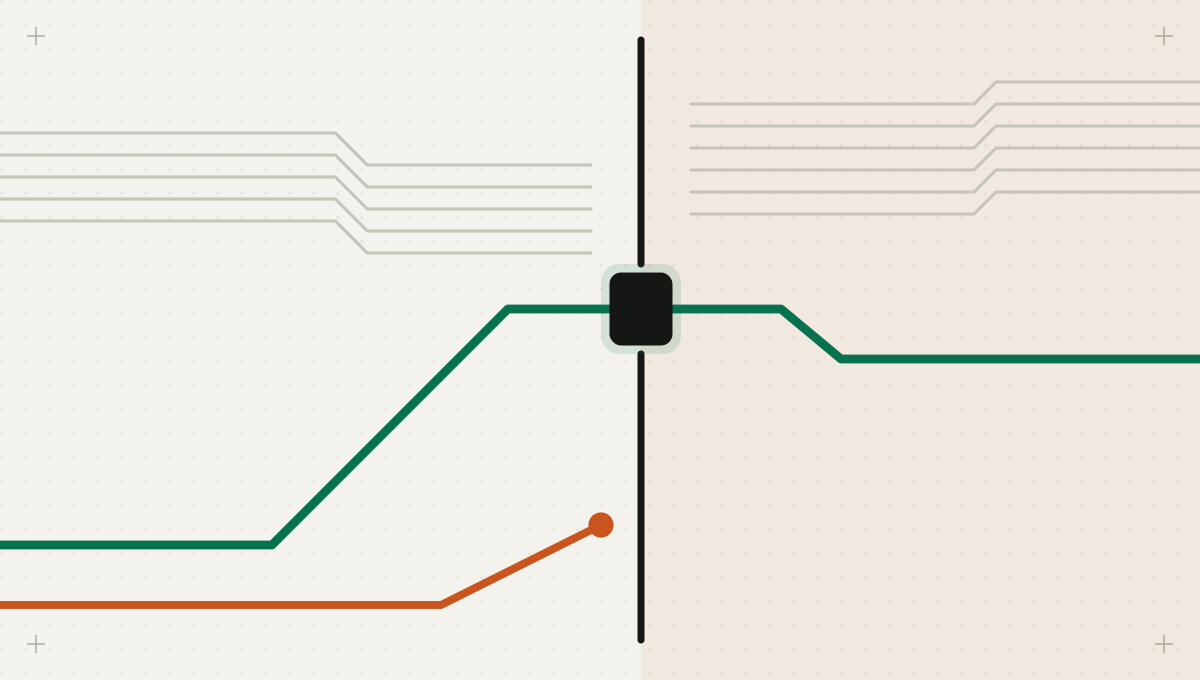
Reality: proxy logs and domain blocks see only the first form, and only on managed networks. A personal phone or home connection bypasses it. It sees nothing of a connected app talking to its vendor from the vendor's cloud, or of a CI job calling a model API from a build runner. Discovery works when it combines sources that see different forms, because each finds something the others miss.
Network logs catch browser use, identity grants catch connected apps, code and CI catch keys and agents, spend catches paid subscriptions, and provider consoles catch keys and projects. Reconcile all five into one inventory.
- Network and browser: DNS, proxy and secure web gateway logs, plus an inventory of AI browser extensions. Blind spot: unmanaged devices, connected apps and server-side calls.
- Identity provider: the third-party apps users have granted access to, with each one's scopes, such as read access to mail, calendars or files. This is where note-takers and assistants appear. Blind spot: tools used without company sign-in.
- Code and CI: AI provider keys, SDK imports, agent and MCP configuration files, and workflow steps that call models. Blind spot: scripts on laptops and automation tools outside source control.
- Spend: expense reports, corporate card statements and software marketplace purchases. Blind spot: free tiers.
- AI provider consoles: keys, projects and members in the company's organization accounts, and personal accounts using company email addresses. Blind spot: providers where the company has no account.
Pellham & Rowe, a fictional 400-person accounting firm (the figures are illustrative), banned public AI tools in January and blocked two chat domains. Its first discovery run across all five sources, in June, found 31 AI services reached from firm laptops, 14 AI apps holding access grants including two meeting note-takers authorized by about 60 staff, three model API keys in repositories, one of them a partner's personal key, and eleven individual AI subscriptions on expense reports. The ban had touched only the first source, and only partly.
Myth: if you retire a tool, you have banned it
Reality: retiring a tool without a named alternative only renames the use, and it comes back within a quarter. Discovery produces a list; governance is the decision made about each item on it. Decide on four facts: what data the tool reaches, whether it holds standing access, what the vendor's terms say about retention and training on inputs, and who uses it for what. Four outcomes cover almost everything.
| Outcome | When it fits | What you do | Example |
|---|---|---|---|
| Sanction | Widely used, real value, vendor offers acceptable business terms | Buy the business tier, connect it to company sign-in, publish what data it may take | The chat assistant most staff already use |
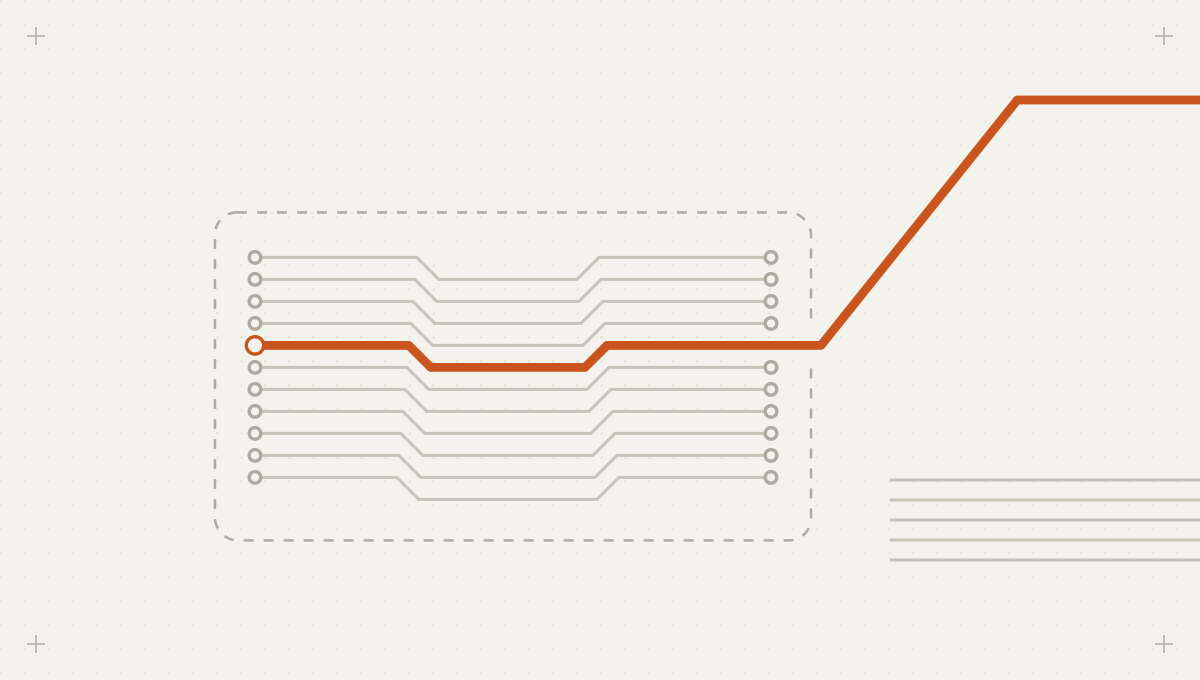
| Route | Valuable, but requests carry sensitive data | Send traffic through a checkpoint that redacts personal data and secrets and logs use | Model API calls from internal scripts and agents |
| Restrict | Useful for some teams or some data only | Limit to named groups, non-sensitive data, or read-only access scopes | A design tool approved for marketing, not for client files |
| Retire | Duplicates a sanctioned tool, or terms are unacceptable | Revoke grants and keys, block where possible, and name the alternative | A second note-taker with broad mailbox access |
Every discovered tool gets one of four outcomes. Sanction and route bring use onto a path you can see; restrict narrows it; retire removes it, but only alongside a named alternative.
Keep each decision record short: the tool, the outcome, the data rule, the owner and a review date. When a vendor changes its terms or a team asks for more access, the record tells the next reviewer what was decided and why, and the review date keeps sanctioned tools from becoming permanent by default.
What replaces the ban
- An approved list that says, for each tool, which kinds of data it may take. Names without data rules invite guessing.
- A review path for new tools with a short, published turnaround, so asking is faster than working around you.
- Admin approval for apps that request mail, calendar or file scopes, and a quarterly review of existing grants.
- A checkpoint in front of the model traffic you route, so personal data and secrets are redacted before they leave, whichever approved tool sent them.
- A disclosure window at the start: staff who report the tools they use are helped onto the sanctioned path, not disciplined. You learn more in a week than discovery finds in a month.
- Rediscovery on a schedule. The NIST AI Risk Management Framework asks for mechanisms to inventory AI systems, resourced according to organizational risk priorities [4], which in practice rules out a one-time census.
Intertrace covers two parts of this loop. Its read-only discovery scans cloud accounts, GitHub repositories (MCP configurations, committed keys, AI usage in code and CI), identity providers' AI app grants and AI provider organization keys, and stores key values only in masked form with a fingerprint. Its gateway is the checkpoint for traffic you route: agents and scripts change their base URL, and personal data and secrets are detected and redacted on requests and responses. Browser-only use on unmanaged devices and paid subscriptions still need your network and spend data.
Five signs you no longer need the ban
- The share of AI traffic and AI app grants on sanctioned paths rises quarter over quarter.
- High-scope app grants that nobody has reviewed fall toward zero.
- The time from discovering a tool to deciding its outcome is measured in days.
- Rediscovery still finds new tools, which is normal, but retired tools stop coming back.
- Staff ask before adopting a tool, so new tools arrive as review requests rather than discovery findings.