Estate
Discovery, assets, agents, shadow AI, and coverage.
Use Estate
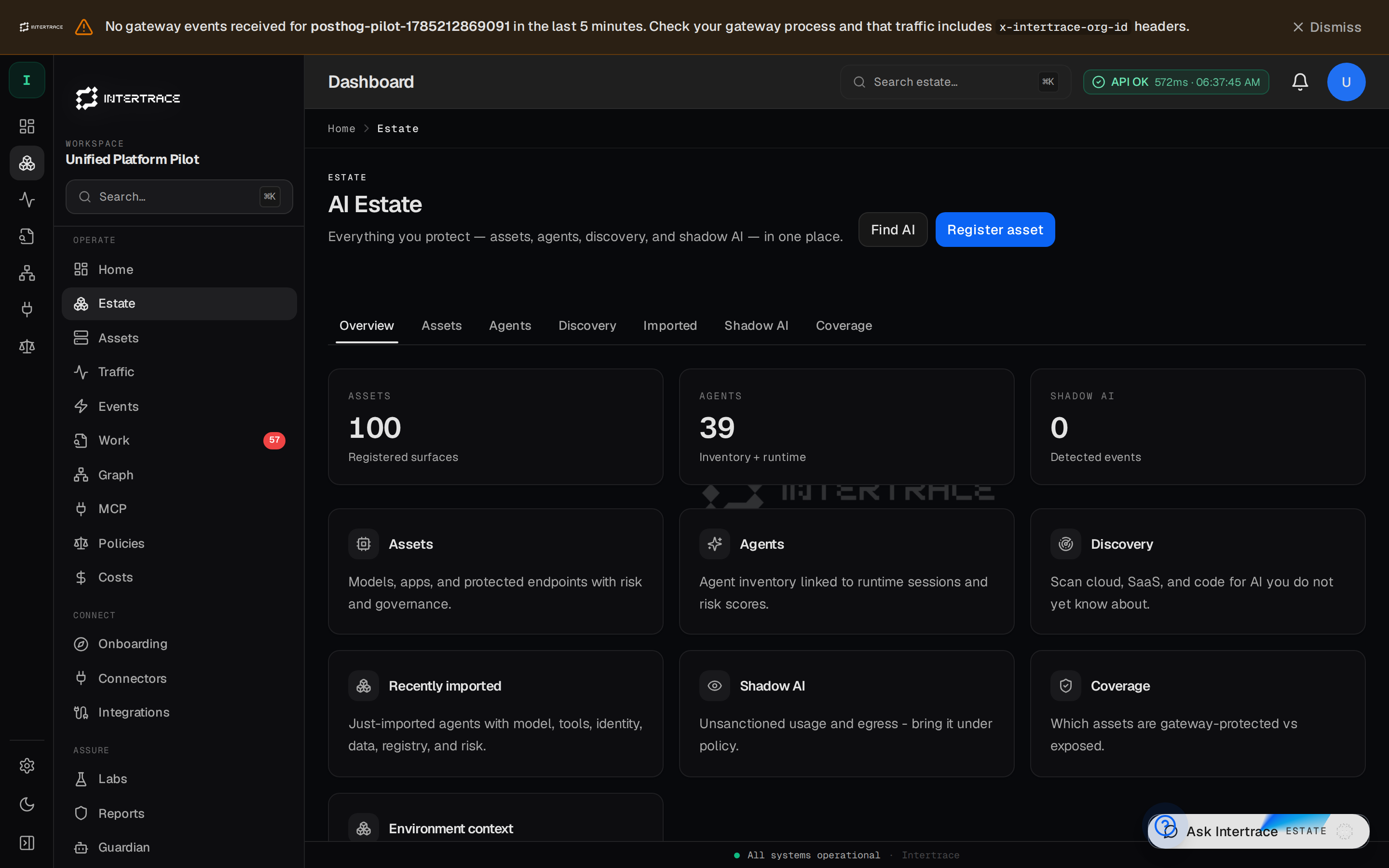
/dashboard/estate has Overview, Assets, Agents, Shadow AI and Coverage. Empty estates show onboarding (not “healthy 100%”). Each agent has one page (Overview, Connections, Data, Approvals, Limits, Activity, Exposure).
Discovery (/dashboard/discovery) is one page for discover, import and protect. Sources include AWS (a read-only role or access key), GitHub repositories (MCP configs, committed keys, AI agents in CI, direct vs gateway calls), OpenAI and Anthropic organization keys, Entra, Google Workspace and Okta AI-app grants, Azure and GCP AI services, browser / DNS / proxy AI-app traffic, and what Intertrace already governs. Key values are never stored, only a masked form and a fingerprint. High-risk results open findings in Work, never incidents, and a PDF report is available.
- 1
Register or discover assets
Manual add, a Discovery scan, or
itr discover/itr onboardon a developer machine. Onboard uses an org API key; see Control plane. - 2
Connect traffic
Edge +
itr_rt_*: Quickstart. - 3
Review shadow AI
Promote real usage into inventory.